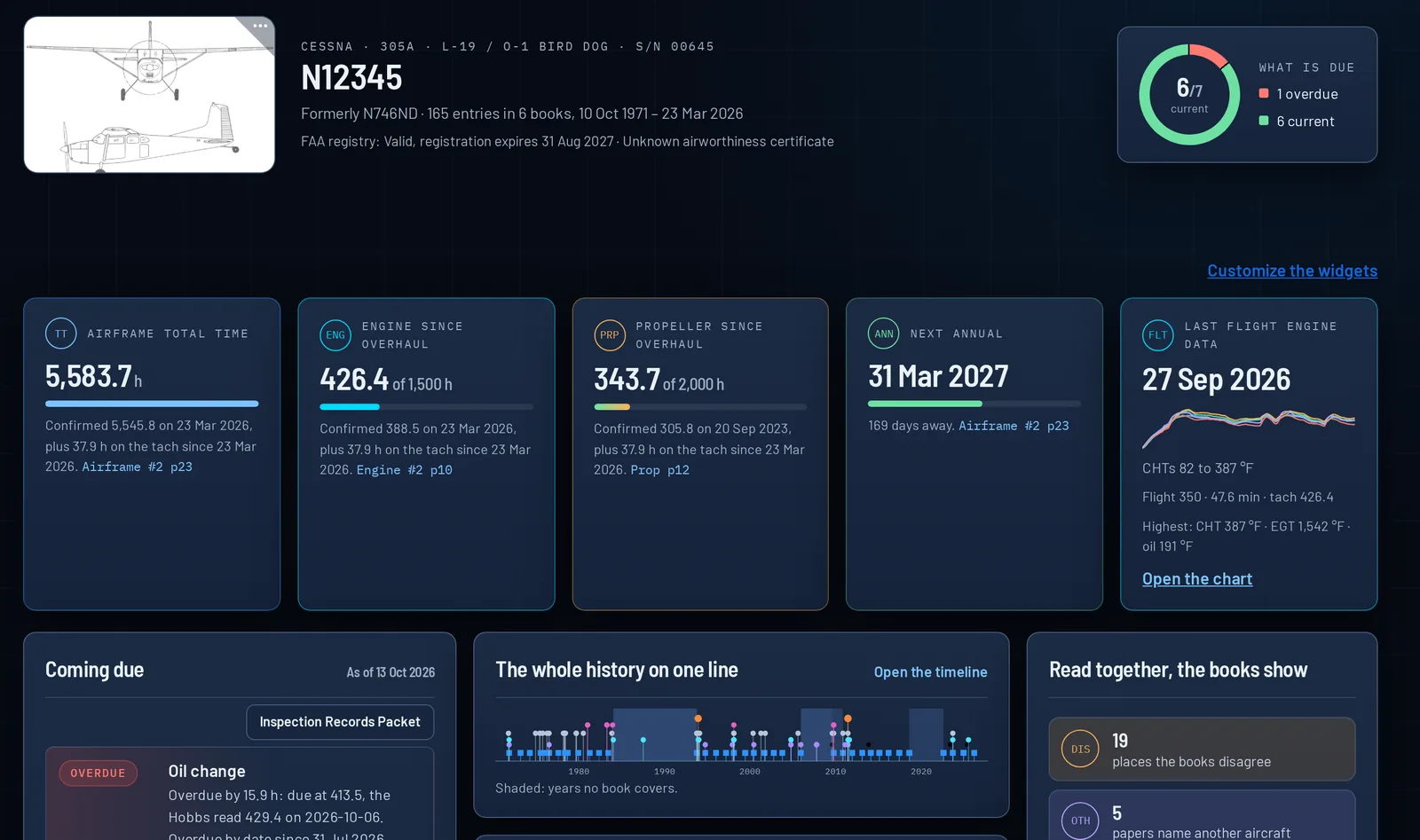
Every entry, transcribed and linked to its page.
Our proprietary scan engine reads airframe, engine, propeller and loose records, handwritten or typed: the date, tach and Hobbs, total time, the work, and who signed. Open any entry and its original logbook scanned image is right there.
- A confidence for every field read, and doubtful readings flagged
- Correct a reading from the physical log; the original reading stays
- Natural-language search across all logbooks
- Receipts, work orders and 8130-3 tags on the entry they belong to
- Form 337 and STC listing, each with its paperwork
- Upload logbooks yourself
- Old Social Security–format certificate numbers masked
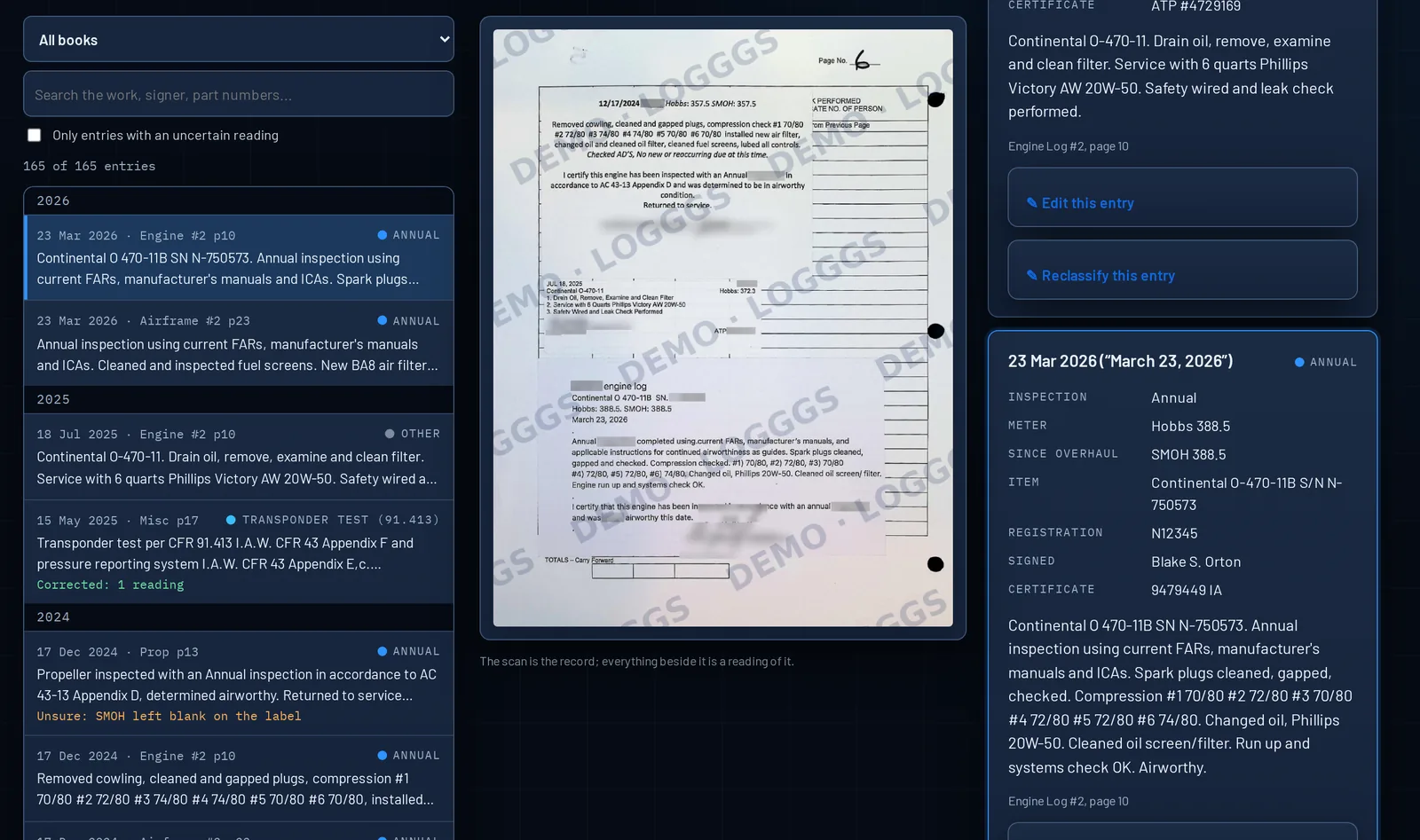
The whole history on one line.
Every dated entry, from the first logbook to today, color-coded by kind: annuals, ADs and SBs, repairs, parts and tags, Form 337s, overhauls. The engine and propeller build up their hours underneath.
- Zoom from the full history to the last two years
- Show or hide each kind of entry, with a count for each
- Years with no entries shaded, so you see where the logbooks are silent
- Which engine and propeller were fitted when, by serial number
- Click any mark for its original logbook scanned image
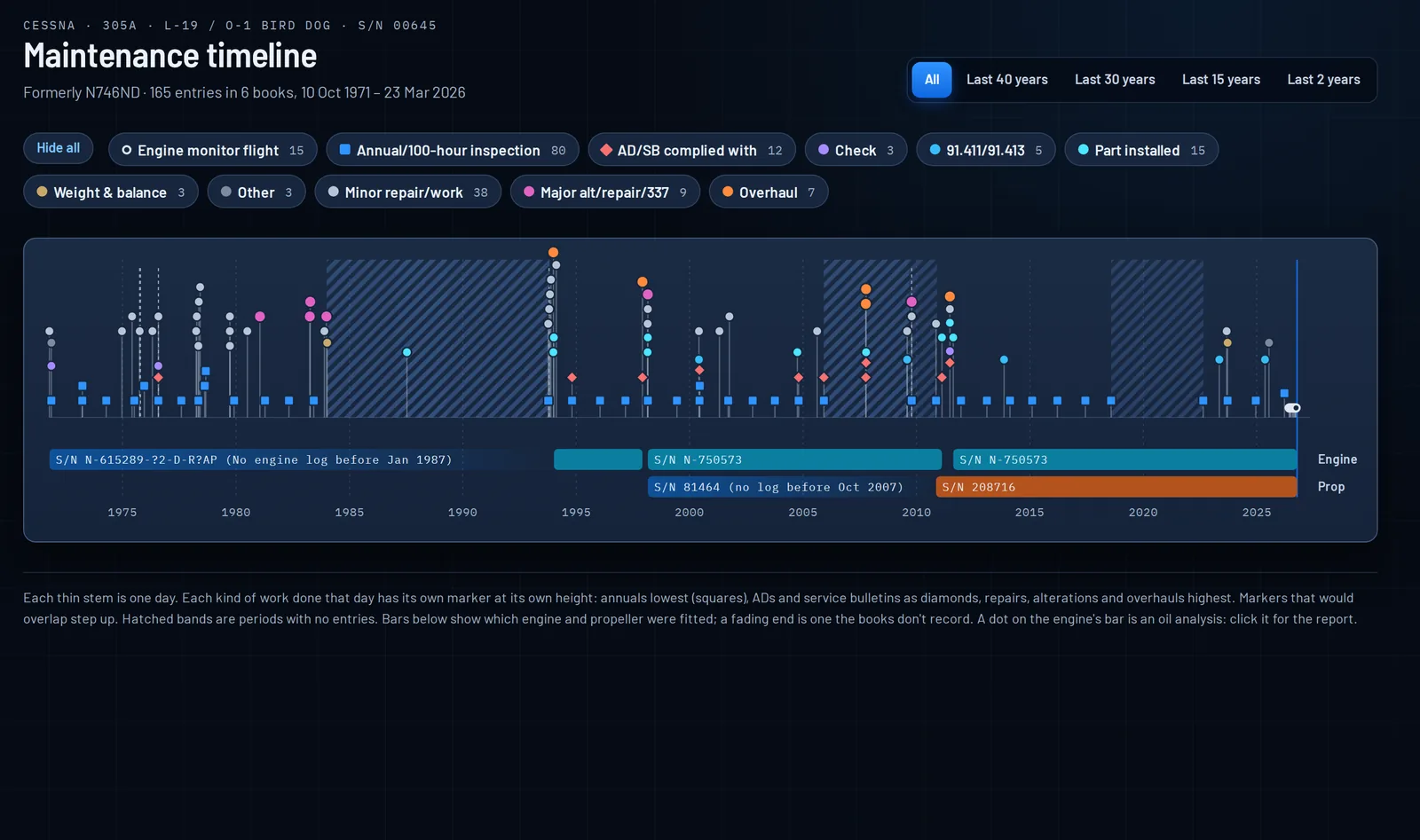
Which ADs apply, and what the logs show.
Every AD for your airframe, engine, propeller and appliances, from the FAA’s own records, matched to your aircraft’s models and serial numbers. Each one shows whether the logs record it as complied with, how, and when it’s next due, with the logbook entry it came from.
- Filter by airframe, engine, propeller and appliance, or search by AD number
- One-time and recurring ADs, with the next due date or hours
- Complied with? Linked to the entry that says so
- An AD the logs don’t show stands out, for your IA to look at
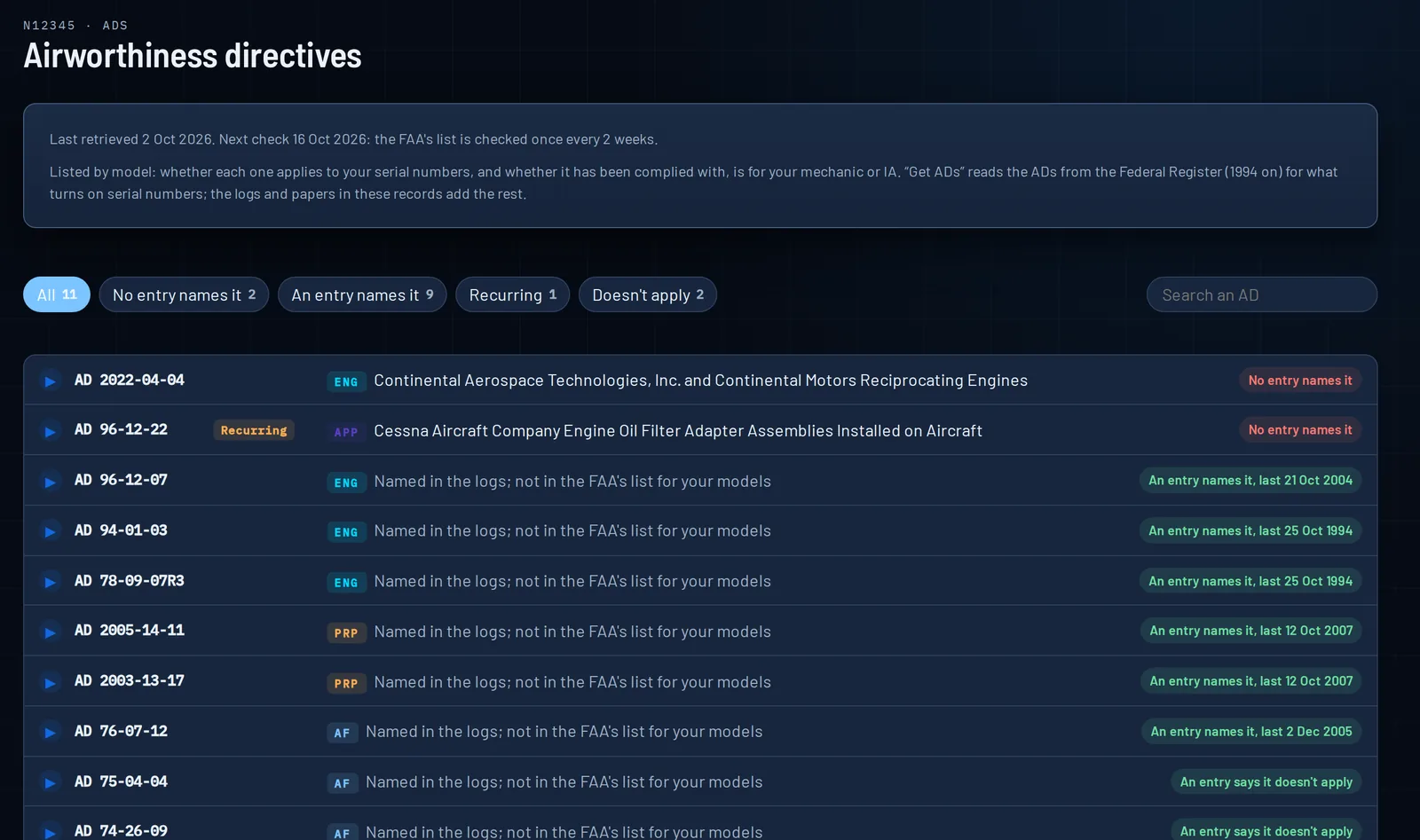
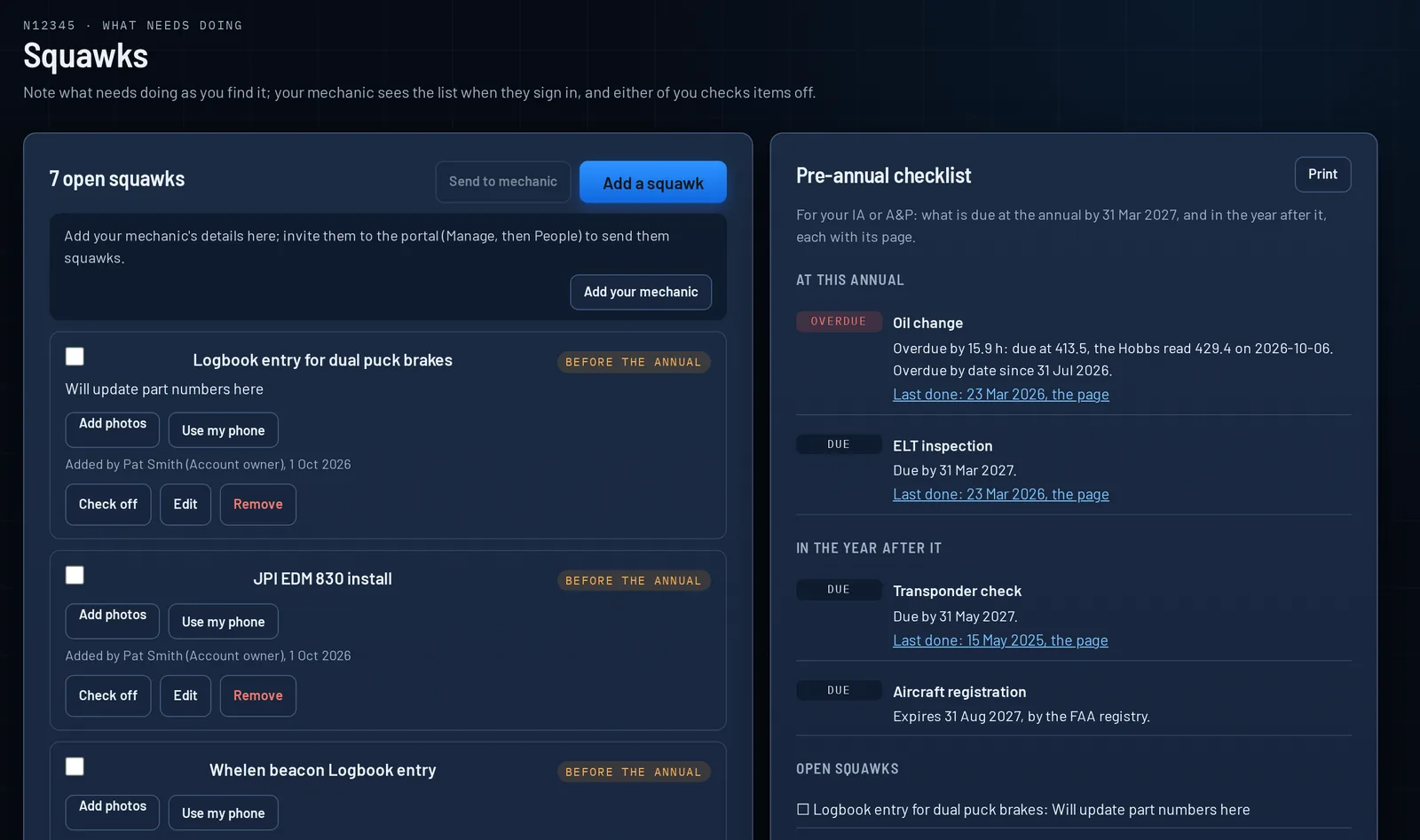
A pre-annual checklist for your IA or A&P.
Everything due at this annual and in the year after it, each with its page, and a running squawk list of what needs doing before then. Your mechanic sees it and checks items off, and so can you.
- A running squawk list, shared with your mechanic
- Everything due at this annual and in the year after it
- Each item with its original page
- Checked off by you or your mechanic, with who and when
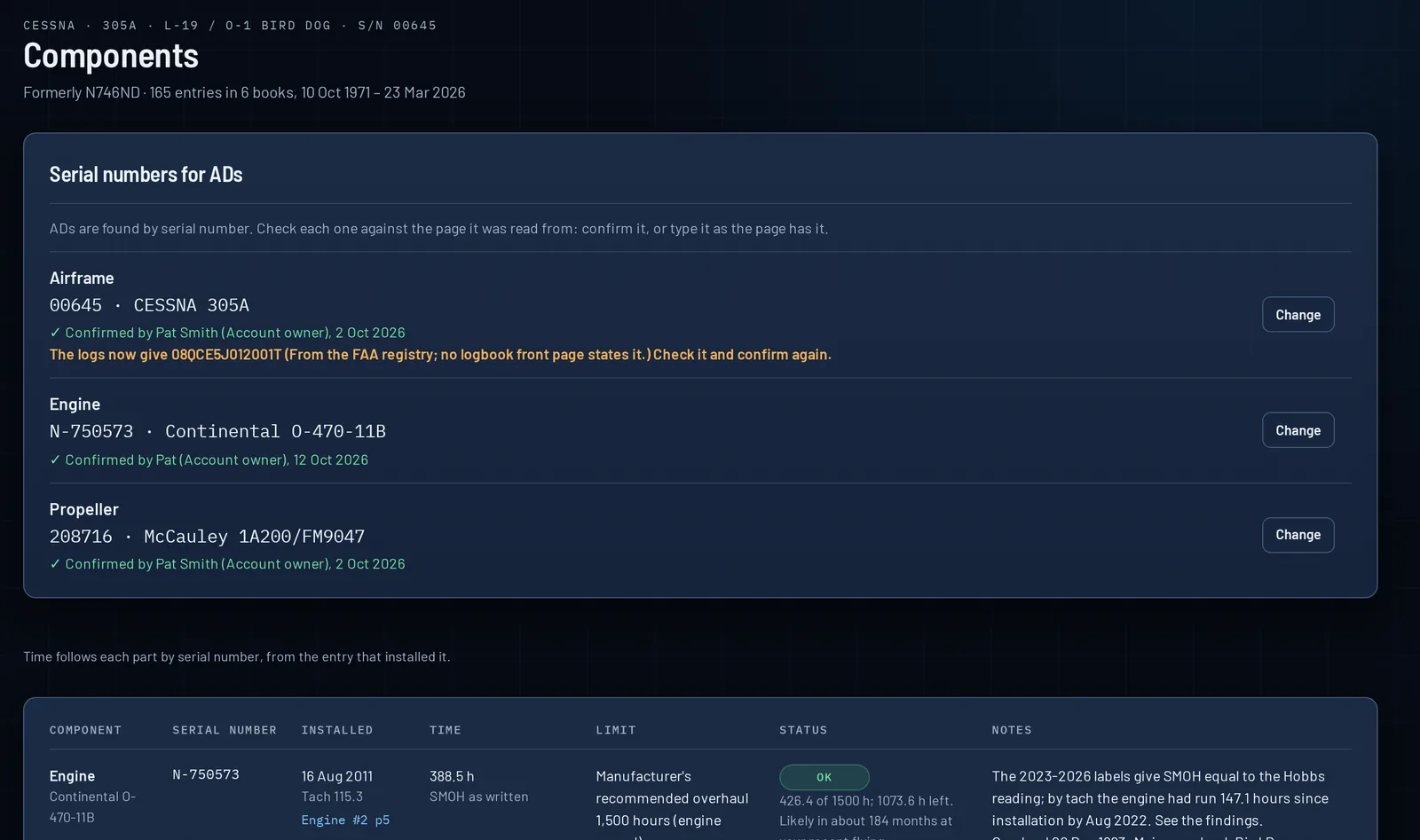
Every part on its own record.
Serial number, the entry that installed it, time since overhaul, its limit and its overhaul history. Choose what else to track and the newest entry that mentions each part is found for you, down to the sentence.
- Engine and propeller time since overhaul
- Magnetos, vacuum pump, starter, alternator, tires, brakes, battery, or any part you name
- Set a part’s life in hours or months, and see what’s left
- A part the logs say was removed says so
- Where the labels and the entries disagree
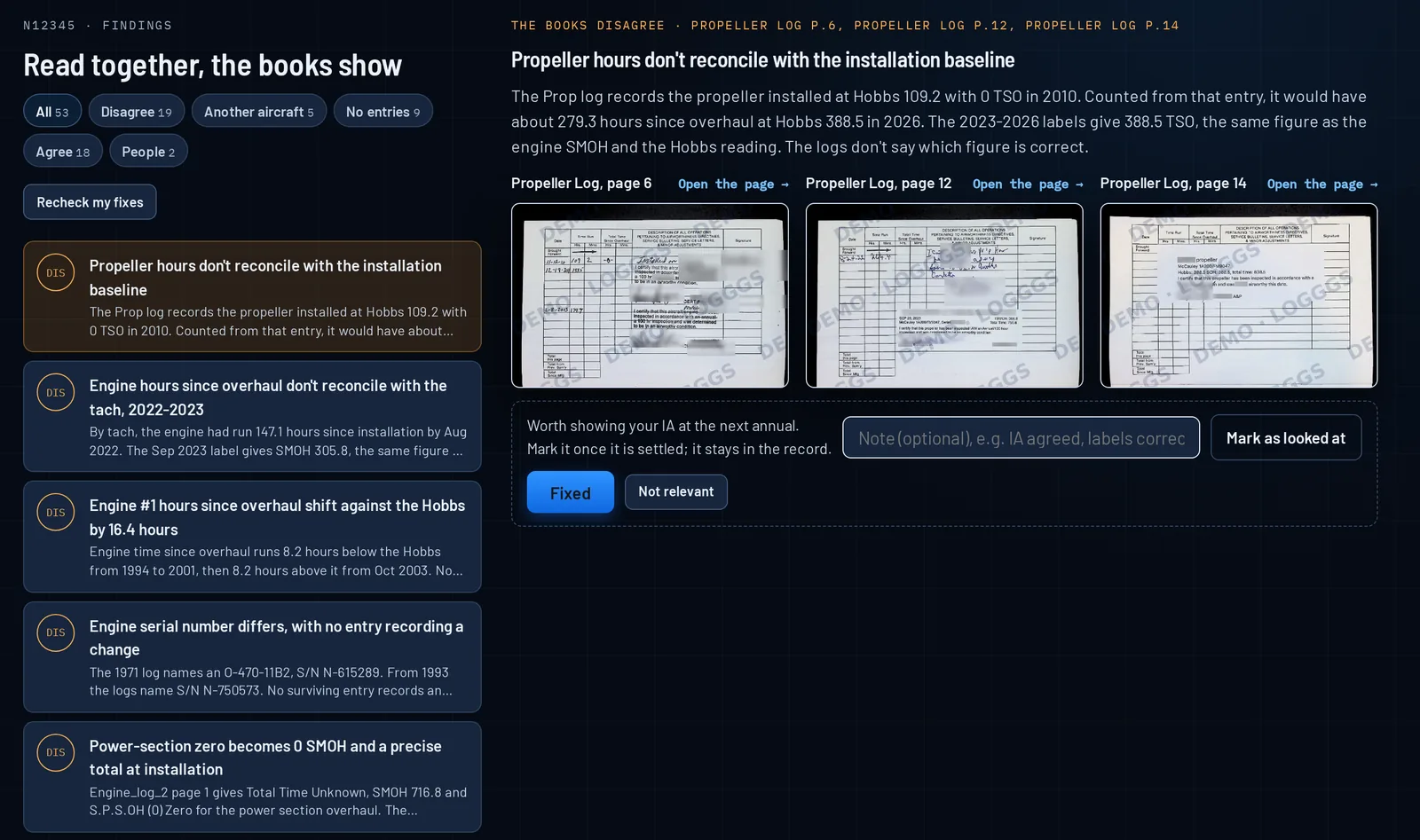
What a pre-buy inspector would find. Found first.
Logggs reads every logbook together, not one at a time. Where the engine log and the airframe log disagree, where years are missing, or where a paper names another aircraft, it tells you.
- Where the logbooks disagree: two readings for one day, a time that jumps
- Papers that name another aircraft
- Years no logbook covers
- Events the logbooks agree on, and people across several logbooks
- Side-by-Side Comparison Review: each finding with its pages next to each other
- Mark a finding as reviewed, with a note, who and when
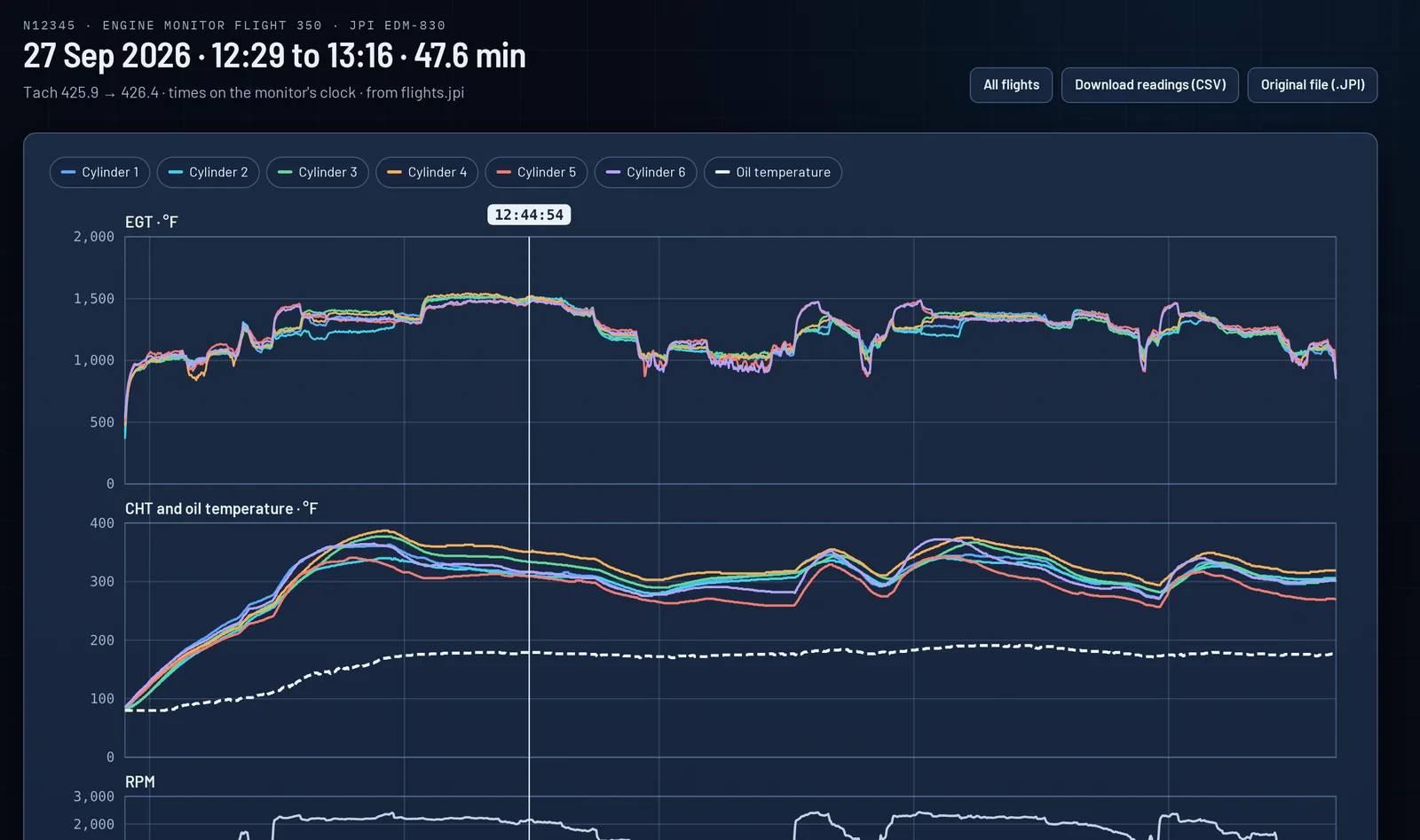
Engine monitor data, on the timeline.
Upload the files from your engine monitor. Each flight shows on the timeline beside the entries, so the hours in the logbook and the hours the engine ran sit on one line.
- Engine monitor data ingestion
- Each flight on the timeline
- Flight time beside the logbook’s hours
- Kept with the aircraft’s records, and moved with them on sale
Your mechanic, your buyer, the next owner.
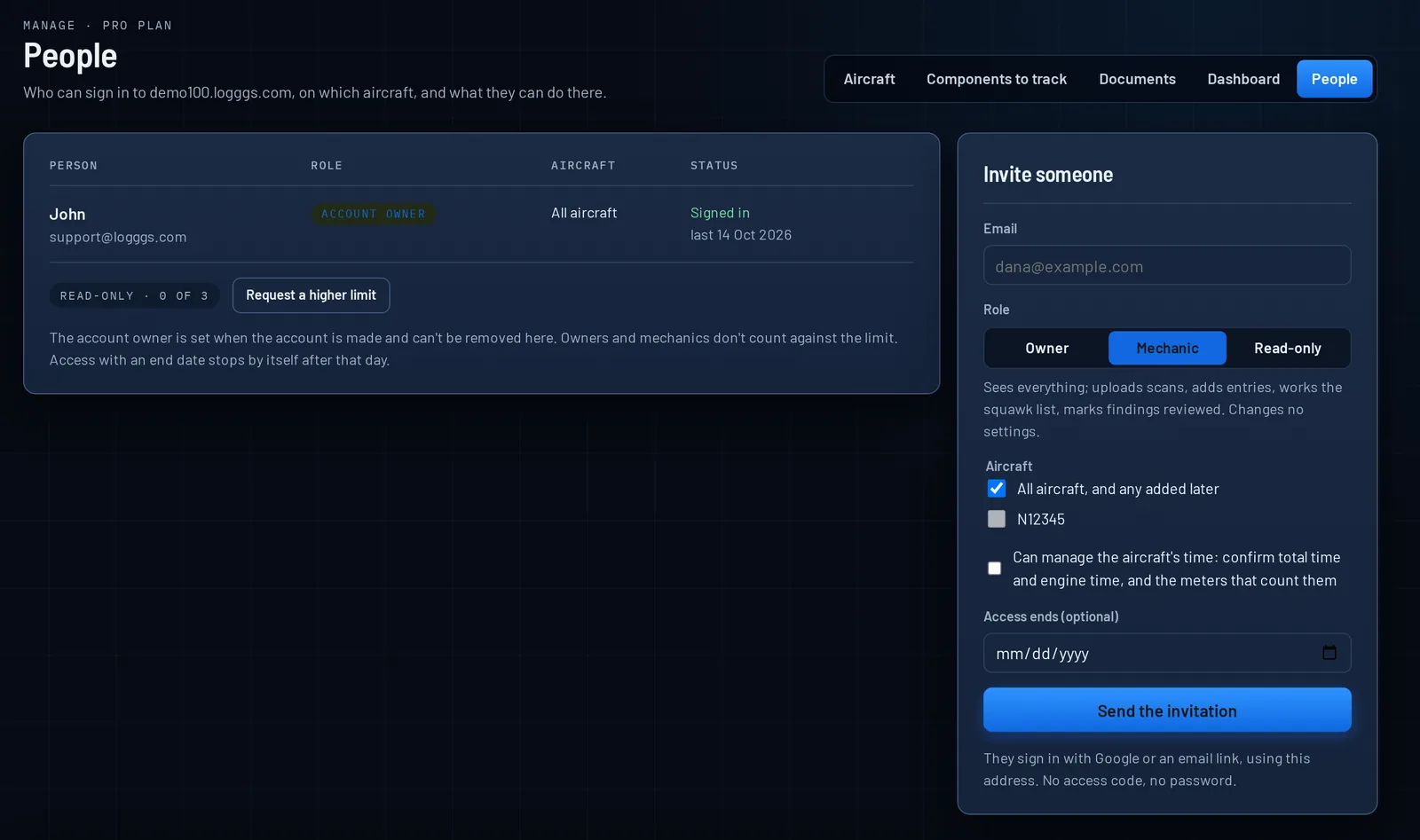
Role-based access control on each aircraft, or all of them. Your A&P or IA adds entries and uploads scans. A buyer or seller gets read-only access until a date you set. When you sell, the records move to the new owner in one step.
- Role-based access control: owner, mechanic, and read-only
- On one aircraft, or all of them
- Mechanic access: add entries and upload scans
- Buyer and seller read-only access, until a date you set
- Full transfer on sale of the aircraft
Your own portal, ready in minutes.
Once payment is processed, our automated engine builds your portal, sets up its DNS and its security, and has it ready within minutes for you to configure and upload logs.
- Instant tenant portal activation, within minutes of payment
- Customize your own site at yourname.logggs.com
- Secure passwordless entry
- A tab for each aircraft, and the fleet view: most urgent first
- Your photo of each aircraft, with location and camera data removed
- Light and dark themes, and tablet-friendly for the hangar